Privacy Policy
Effective date: September 25, 2026
LifeVault is developed and published by Pixel Street Media. This
policy explains how LifeVault handles your information on iPhone and
on Android.
The short version: Your LifeVault is stored on your
device. There is no LifeVault account and no LifeVault server holding
your records. Automatic Backup keeps encrypted copies in your own
Apple or Google storage — encrypted on your device before they are
uploaded, and Pixel Street Media does not hold the key that opens them.
1. Where your information is stored
LifeVault doesn't require an account or a sign-in. Everything you add
— profiles, records, contacts, and documents — is saved on your device.
Pixel Street Media doesn't operate a server or database that holds
your records. There is no LifeVault user database.
Copies of your information can exist in three other places, and each
has its own section below: LifeVault's Automatic Backup (Section 3),
Backup Files you create yourself (Section 4), and your phone's own
device backup (Section 5).
2. What information LifeVault stores
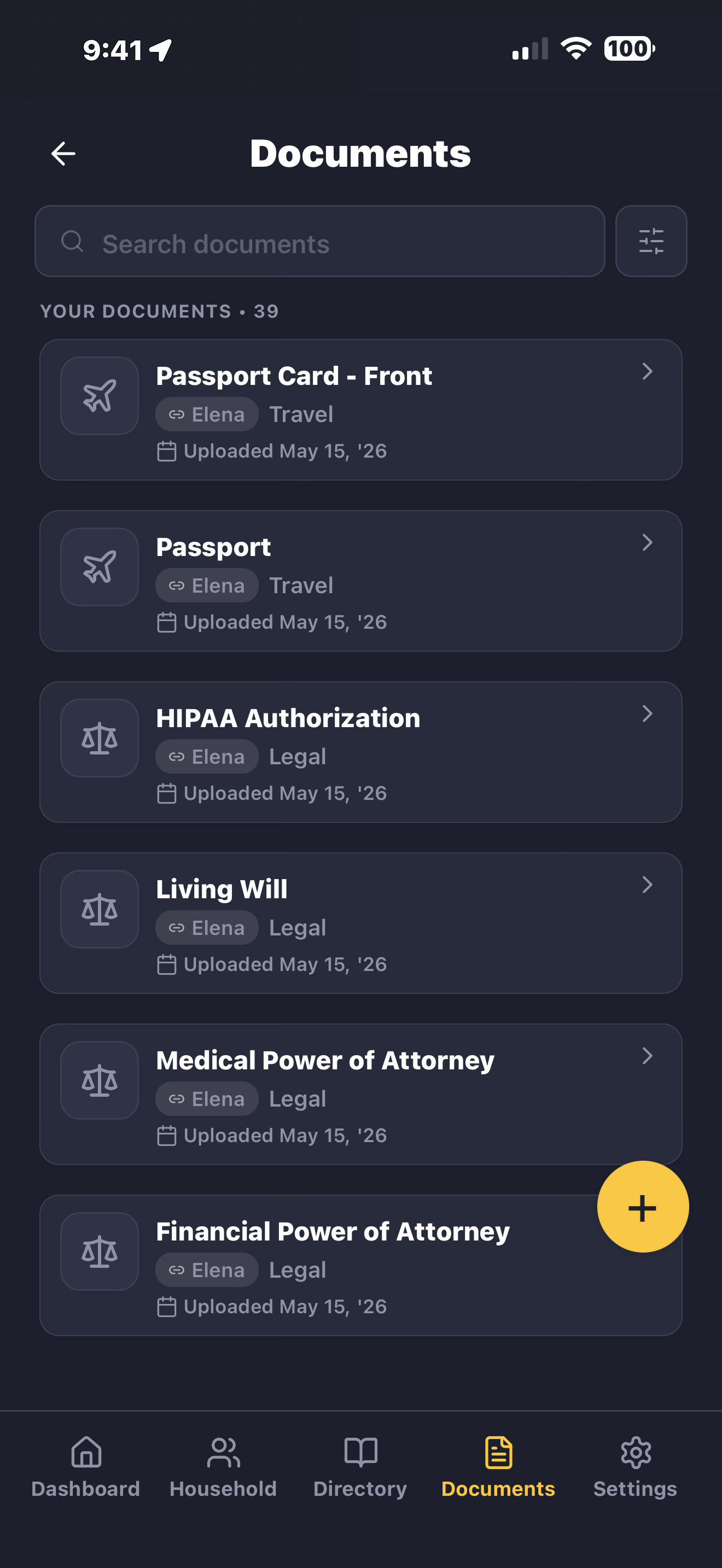
LifeVault lets you store personal and household information,
including:
- Personal profiles (names, dates of birth, relationships)
-
Medical records (prescriptions, allergies, insurance information)
-
Identification documents (passport details, driver's license
information)
- Pet profiles and veterinary records
-
Household information (home details, vehicle information,
utilities)
- Contacts and care provider details
- Uploaded documents and photos
All of it is entered by you. LifeVault doesn't pre-populate, infer,
or gather any of it on its own.
3. Automatic Backup
Automatic Backup is on by default. It keeps several recent encrypted
copies of your LifeVault up to date, so you can restore your
information if you lose or replace your device.
Each copy is encrypted on your device before it is uploaded. Pixel
Street Media does not hold the key that opens it and cannot read your
backups. An Automatic Backup is opened by the device that made it, or
by your Recovery Key when a device can't open one on its own.
Where the copies go. On iPhone, to a private
LifeVault area of your own iCloud. On Android, to a private LifeVault
app folder in your own Google Drive, kept apart from your normal Drive
files. The storage belongs to your Apple or Google account. There is no
LifeVault cloud, and Pixel Street Media does not operate the
destination.
On iPhone. Automatic Backup uses the iCloud you are
already signed in to. LifeVault asks for no separate permission and
receives no Apple account details. If iCloud Drive is turned off, or
you are signed out of iCloud, Automatic Backup doesn't run — nothing
is uploaded, and nothing is held waiting to be uploaded.
On Android. Nothing is uploaded until you tap Connect
Google Drive in LifeVault and complete Google's authorization screen.
LifeVault asks for access to its own app folder only, not to the rest
of your Drive.
This is not a LifeVault account. Connecting Google
Drive authorizes storage. It does not create a LifeVault account or
sign you in to LifeVault. There is no LifeVault login, password, or
profile, and LifeVault does not receive or keep your Google or Apple
account details.
Stopping it. On iPhone, Automatic Backup stops if
iCloud Drive is unavailable or you are signed out of iCloud. On
Android, it never begins unless you connect Google Drive, and you can
withdraw LifeVault's access in your Google Account settings at any
time.
Deleting the copies. You can delete any Automatic
Backup from the Backups screen in LifeVault. LifeVault also rotates
older copies out as newer ones are confirmed. LifeVault can only
delete a copy while it still has access to the storage — so if you
plan to sign out of iCloud or withdraw Drive access, delete any copies
you don't want kept first.
4. Backup Files you create
Separately from Automatic Backup, you can export a Backup File and
keep it wherever you like — Files, a cloud folder, a computer, or sent
to yourself.
A Backup File is protected by a password you choose. This works
differently from Automatic Backup: the password isn't stored anywhere,
and neither LifeVault nor Pixel Street Media can recover it or open
the file without it.
Once you have saved a Backup File somewhere, it is yours to manage.
LifeVault cannot reach it and cannot delete it for you.
5. Your phone's own device backup
Separately from anything LifeVault does, your phone may include
LifeVault in its own backup.
-
On iPhone, LifeVault's data is included in your regular device
backup — iCloud Backup or an encrypted computer backup — depending
on your settings. A few files that matter only for restoring
correctly are left out; they hold none of your records.
-
On Android, the operating system may include LifeVault in its own
backup or in a device-to-device transfer, depending on your device,
your account, and your settings.
These are Apple and Google mechanisms. LifeVault doesn't control them
and cannot delete from them. Your device settings are where you change
them.
6. What LifeVault collects
LifeVault does not collect:
- Your records, documents, or vault contents
- Names, dates of birth, addresses, or contact information
- Document text, text-recognition results, or photo data
- Advertising identifiers or cross-app tracking data
- Location data
- Your Apple or Google account details
LifeVault records a small number of anonymous events — that a record
was created, or that a backup completed — along with basic app details
such as version and platform, so we can see which features are used
and catch problems. A random identifier is generated on your device for
this. It isn't connected to your name, your Apple or Google account, or
anything you have stored, and what you actually wrote is never
included.
No vault data is sent to Pixel Street Media or to any third party.
7. Device permissions
LifeVault asks for the following, each used only for what it says:
-
Camera — to photograph and scan documents for your
records. Photos stay on your device.
-
Photos — to choose existing photos to attach.
LifeVault only sees the items you select, and copies them into its
own storage.
-
Contacts — to import contact details from your
phone's address book into LifeVault's own contact list. Contacts are
copied locally and are not sent anywhere. LifeVault reads contacts;
it never writes to your address book.
-
Biometric unlock — Face ID or Touch ID on iPhone,
fingerprint or face unlock on Android, to protect access to the app.
Your biometrics are handled entirely by your phone's operating
system. LifeVault never accesses, stores, or transmits them.
All of these are optional. LifeVault works without them, though some
features won't be available.
8. Document scanning and text recognition
LifeVault can read text from a document you photograph or add, so it
can help fill in a record for you. This happens on your device — on
iPhone using Apple's built-in text recognition, and on Android using
Google's ML Kit text recognition, which runs locally with a model
provided on your phone through Google Play services.
Your images, and the text found in them, are not uploaded for this.
You review and correct anything LifeVault suggests before it is saved.
9. Third-party services
LifeVault relies on a small number of outside services:
-
Apple — on iPhone, Automatic Backup is stored in
your own iCloud.
-
Google — on Android, Automatic Backup is stored in
a private app folder in your own Google Drive; Google Play services
handles the authorization for that folder and provides the on-device
text recognition model.
-
An analytics service — receives the anonymous
events described in Section 6, and nothing else.
Your use of your own Apple or Google storage is governed by Apple's
and Google's privacy policies.
LifeVault includes no advertising, crash-reporting, or data-brokerage
services.
10. Security
Your LifeVault is protected by your phone's built-in security,
including your device passcode and biometric unlock.
LifeVault also offers an optional App Lock that asks for Face ID,
Touch ID, or your Android biometric unlock when you open the app or
return to it after a period away.
11. Deleting your information
What LifeVault can delete, and what it cannot:
-
A record or document. Removed from your device
right away. If it was included in an earlier Automatic Backup, or in
a Backup File you have already saved, that copy still contains it
until the backup is deleted or rotated out.
-
Erase Vault & Reset. Removes everything
LifeVault stored on this device — profiles, records, contacts,
documents, and the keys used for backups. Erase Vault & Reset
does not delete Automatic Backups through LifeVault. If you don't
want those copies kept, delete them from the Backups screen before
you erase your vault.
-
An Automatic Backup. You can delete any of them
from the Backups screen, which removes that copy from your iCloud or
Drive.
-
A Backup File. Delete it wherever you saved it.
LifeVault cannot reach it.
-
Withdrawing iCloud or Drive access. Automatic
Backup stops. LifeVault can no longer reach copies already uploaded,
so it cannot delete them for you until access is restored.
-
Uninstalling LifeVault. Removes the app and
everything it stored on your device. It does not delete your
Automatic Backups, Backup Files you have saved, or anything held in
your phone's own device backup — LifeVault cannot act on your
storage once it has been removed. How long Apple or Google keep an
app's stored data is governed by their own handling of it, so if you
want your Automatic Backups gone, delete them in LifeVault before
you remove the app.
If you want everything gone, delete your Automatic Backups from the
Backups screen and any Backup Files you have saved, then remove the
app. If you want to keep a copy, export a Backup File first.
Pixel Street Media holds no copy of your information, so there is
nothing for us to delete on your behalf.
12. Children's privacy
LifeVault is designed for adults managing family information. The app
does not knowingly collect information from children under 13. If a
parent or guardian stores information about their children in
LifeVault, that data stays on their device and is not collected or
transmitted by Pixel Street Media.
13. Website analytics
The LifeVault website (lifevaultapp.com) uses limited, anonymous
analytics to understand how visitors find and use the site. This
helps us improve the experience and understand which features
people are most interested in.
Website analytics collect only:
- Pages visited
- General device type (mobile or desktop)
- Referral source (how you arrived at the site)
- Button clicks related to product interest (e.g., App Store links)
Website analytics do not collect:
- Names, email addresses, or personal information
- Medical, caregiving, or household data
- Form contents or typed text
- Persistent user profiles or cross-session identity
- Advertising identifiers or fingerprinting data
Analytics are disabled for visitors whose browser sends a Do Not
Track signal. LifeVault does not sell website analytics data to
anyone.
Website analytics are entirely separate from the LifeVault app.
The app uses minimal anonymous product analytics as described in
Section 6. No vault contents, personal records, or identifying
information are included in app analytics.
14. Changes to this policy
If we update this privacy policy, we will post the revised version
at this URL with an updated effective date. We encourage you to
review this page periodically.
15. Contact
If you have questions about this privacy policy or LifeVault's data
practices, please contact us:
Pixel Street Media
privacy@lifevaultapp.com
lifevaultapp.com