What is LifeVault?
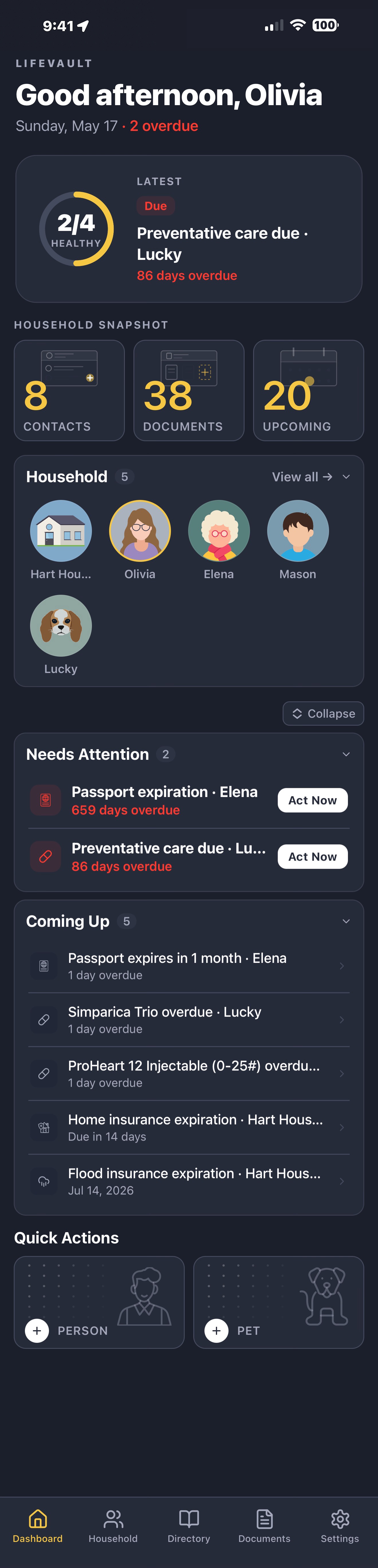
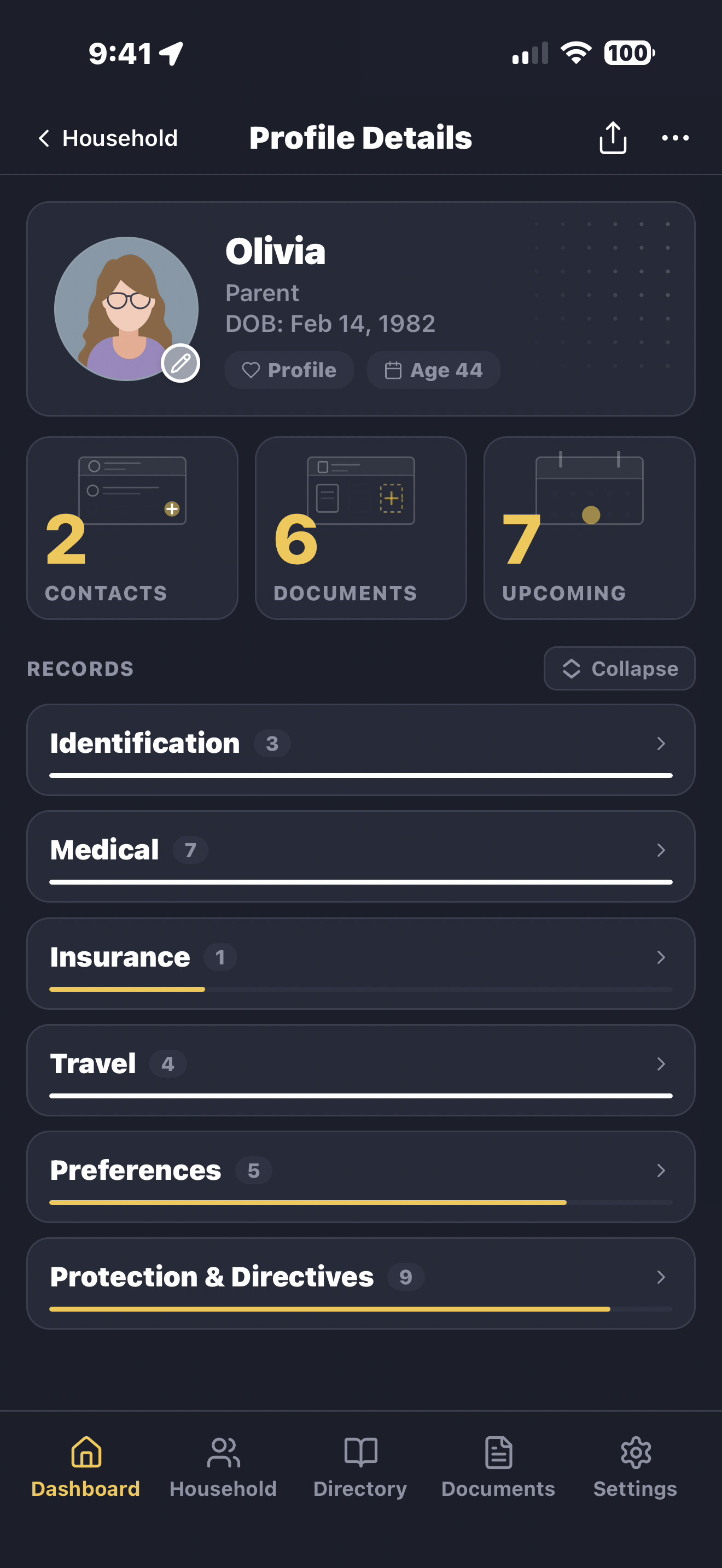
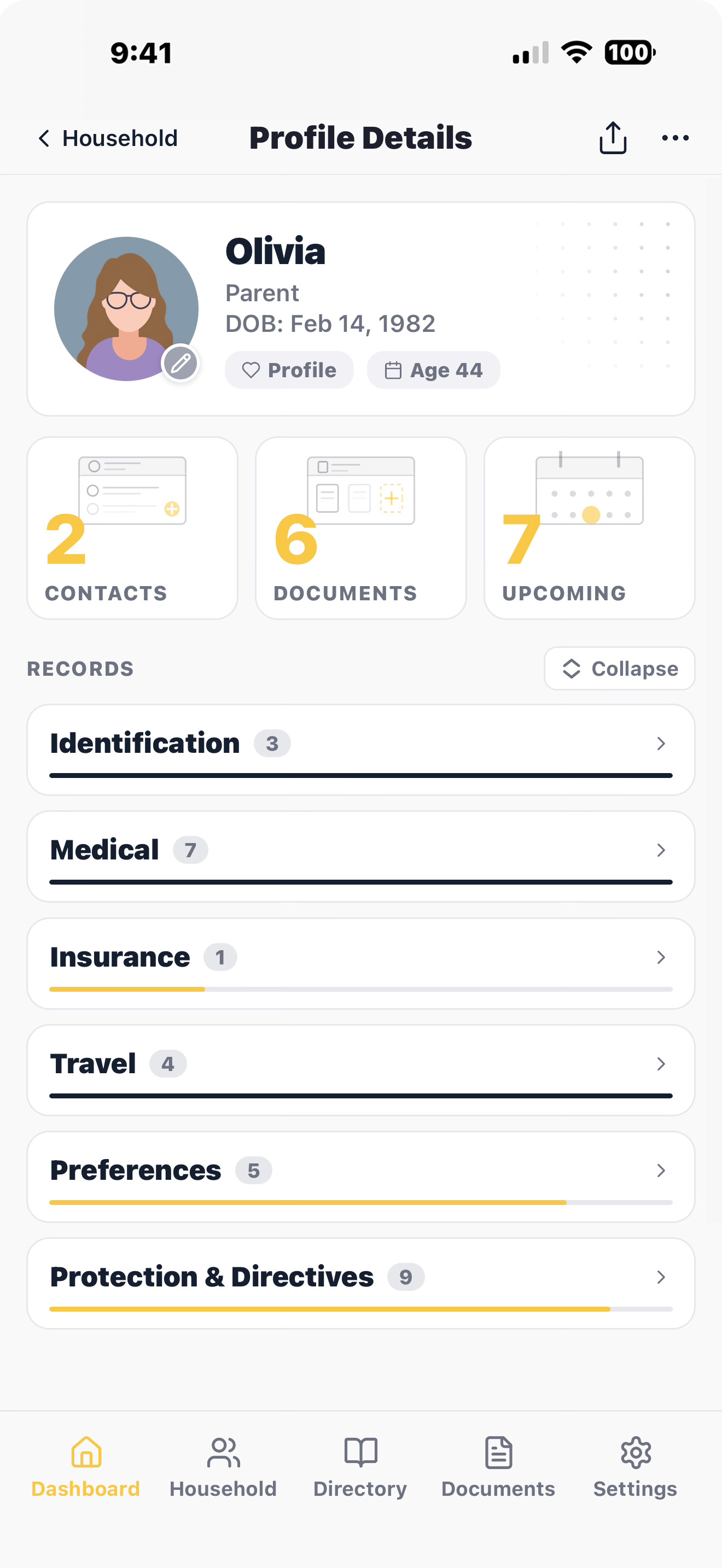
LifeVault turns documents into structured, connected records. Scan
a document — we extract the key details, you review and confirm —
and instantly create an organized record fully linked to the right
person or pet. Then generate a complete, shareable summary in
seconds. It's not a file storage app. It's a system that
transforms documents into usable life records.
How is LifeVault different from Google Drive, Dropbox, or Apple
Notes?
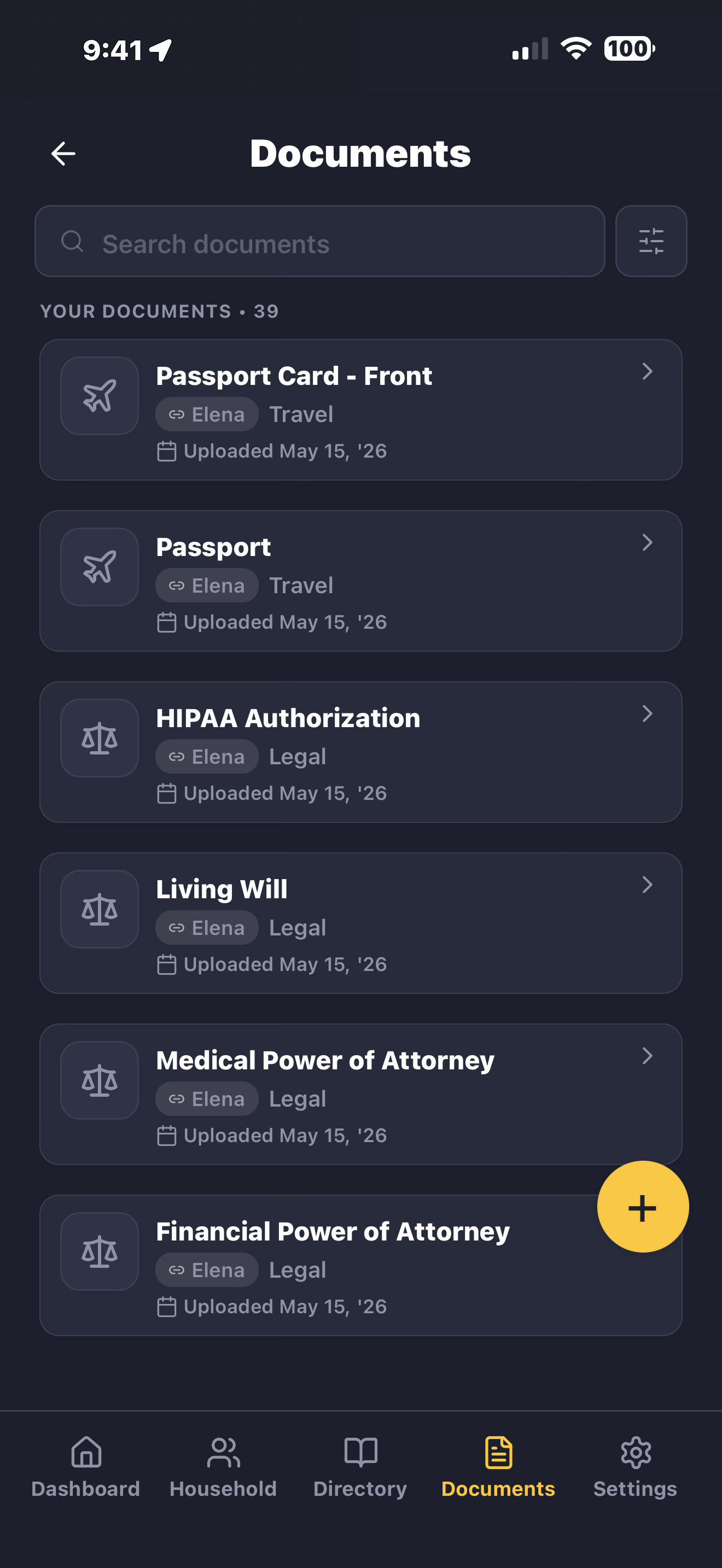
Cloud storage apps store files — you design your own system and
stay disciplined about updates. LifeVault extracts data from
documents, structures records, links everything across profiles,
and builds a connected system. It understands the structure of an
insurance card, vaccination record, or prescription and turns that
document into a usable record linked to the right person. Then
generates a shareable summary on demand. A folder of files is not
the same as an intelligent record system.
Is my family's data really private?
Yes. Your records and documents live on your device — not on our
servers. We don't have a copy of your family's medical records,
insurance information, or personal documents. We can't access it,
and we can't be compelled to hand it over — because we never have
it. LifeVault backs itself up to cloud storage you already own —
your iCloud on iPhone, your Google Drive on Android — encrypted on
your phone before it leaves, so only you can open it.
Can I use LifeVault to organize medical records for aging parents?
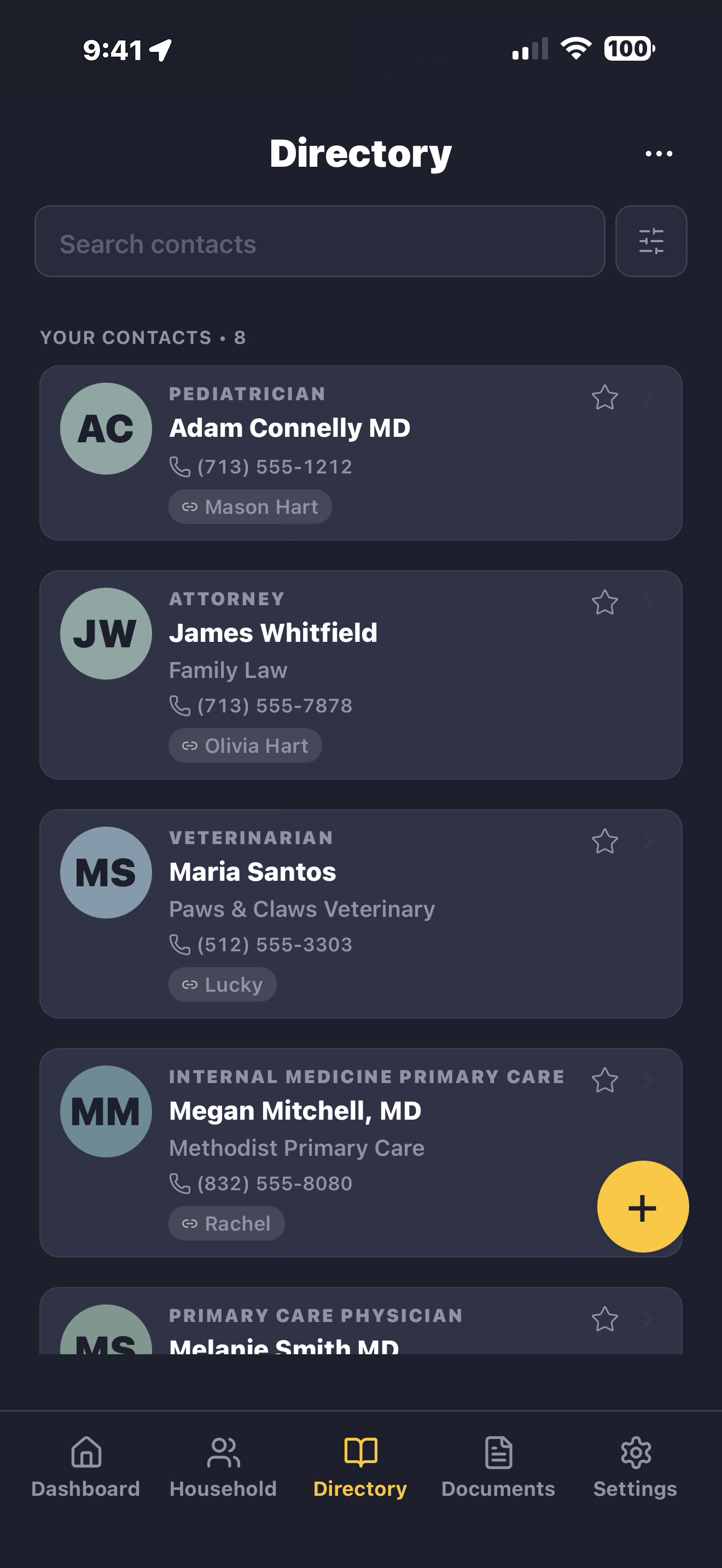
Yes — this is one of the most common uses. LifeVault helps
caregivers organize medication lists, specialist contacts,
insurance information, prescriptions, advance directives, and
emergency contacts for aging parents. This is especially valuable
when a parent begins experiencing cognitive decline or memory loss
— having their information already organized means you're not
gathering it under pressure. Share a medical profile with doctors
or an emergency room when it's needed.
Does LifeVault work as a pet records organizer?
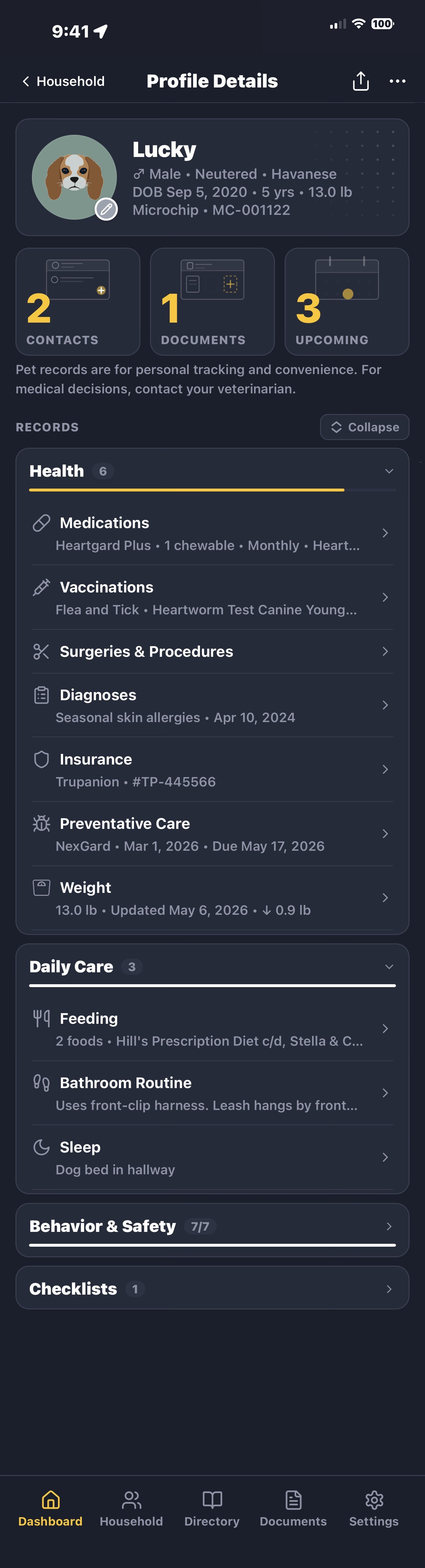
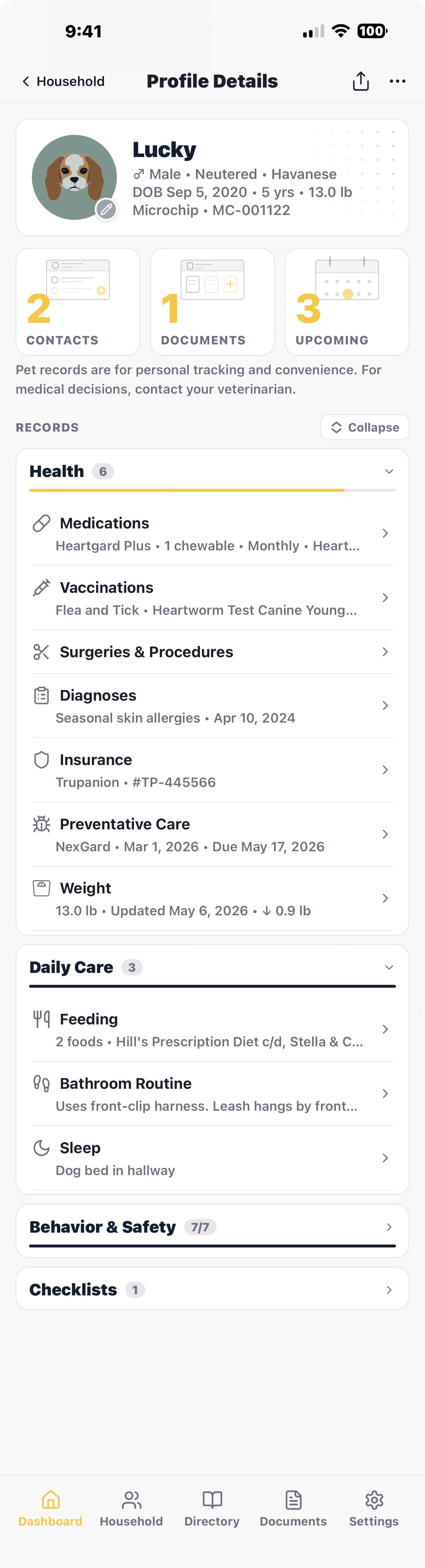
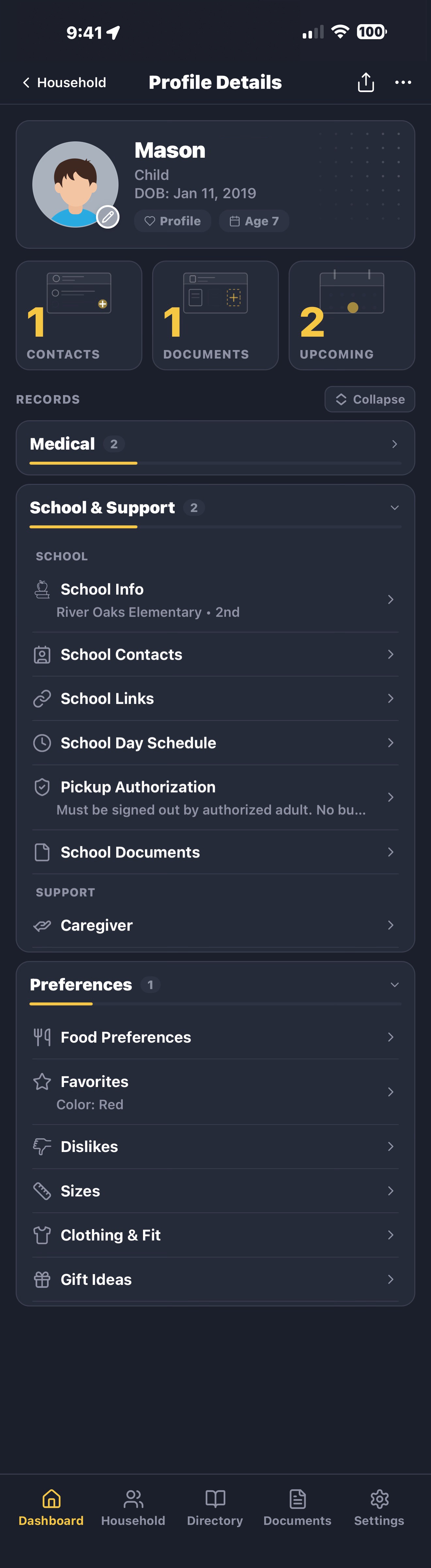
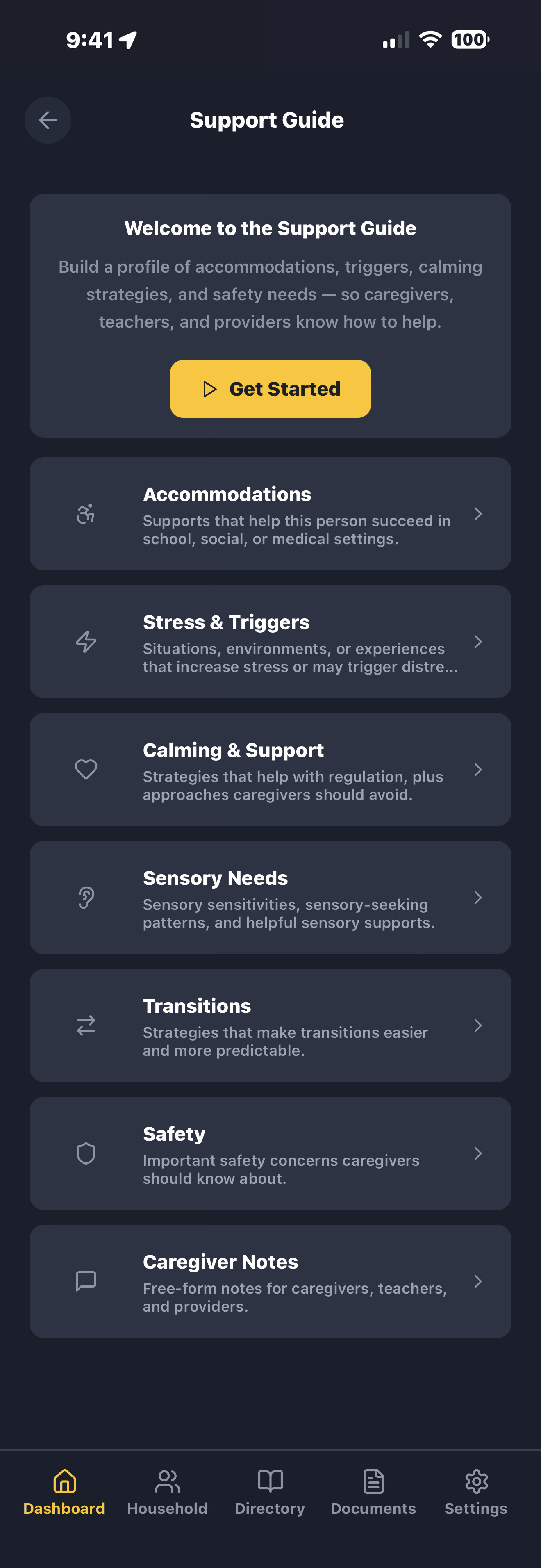
Yes. Each pet gets a full profile with vaccination records,
medications, vet contacts, microchip numbers, feeding schedules,
and a behavior guide. Share everything a pet sitter or boarding
facility needs in a single PDF — no more writing out instructions
by hand before every trip.
Can I share emergency information with caregivers and schools?
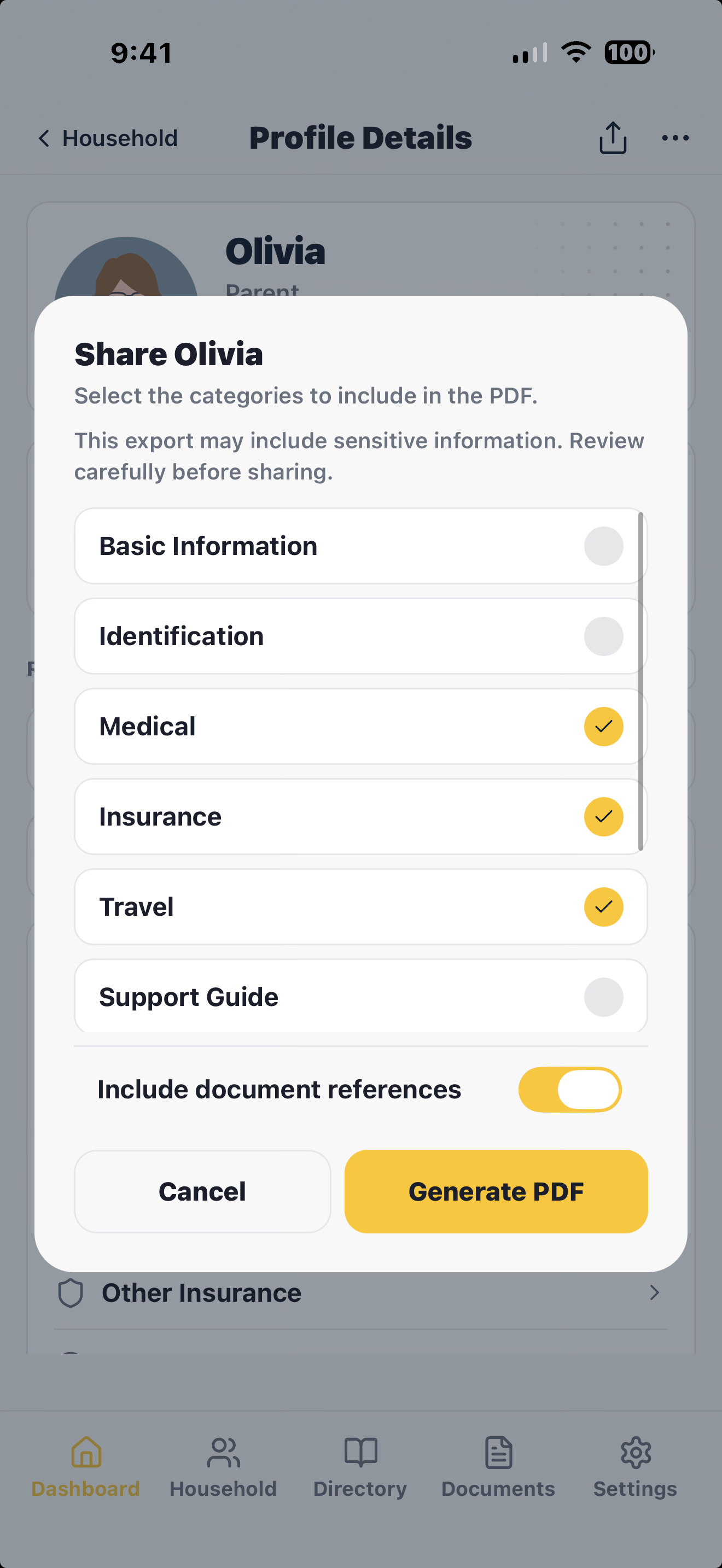
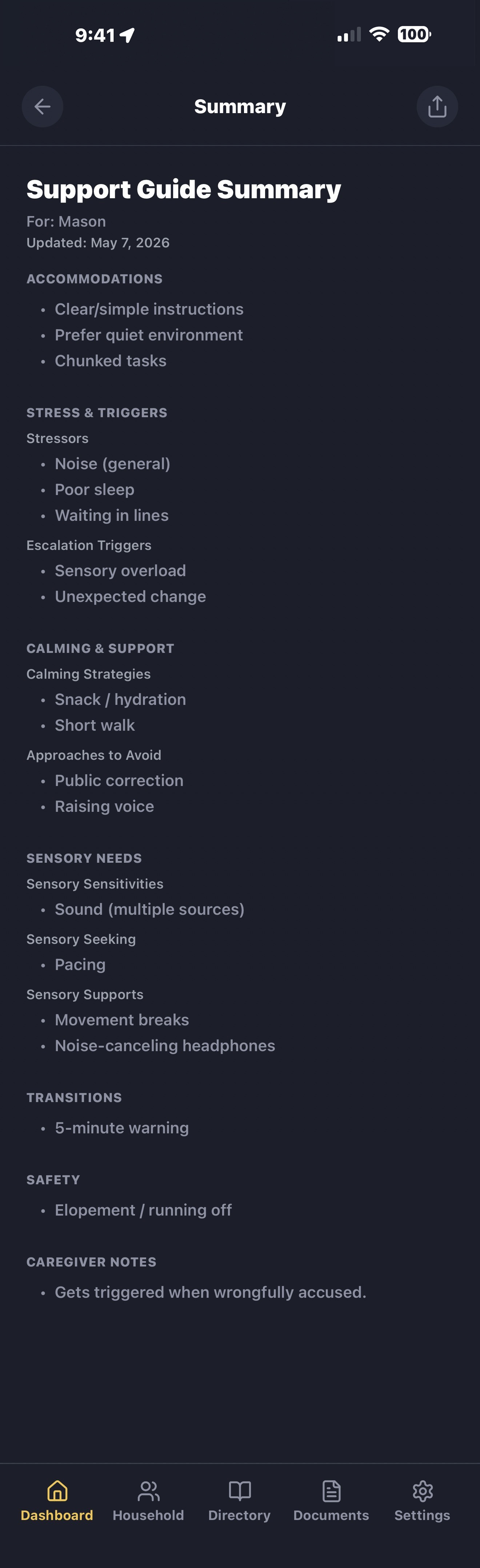
Yes. LifeVault generates a clean PDF with the information someone
needs — allergies, medications, emergency contacts, insurance,
accommodations, and caregiver instructions. Send it through any
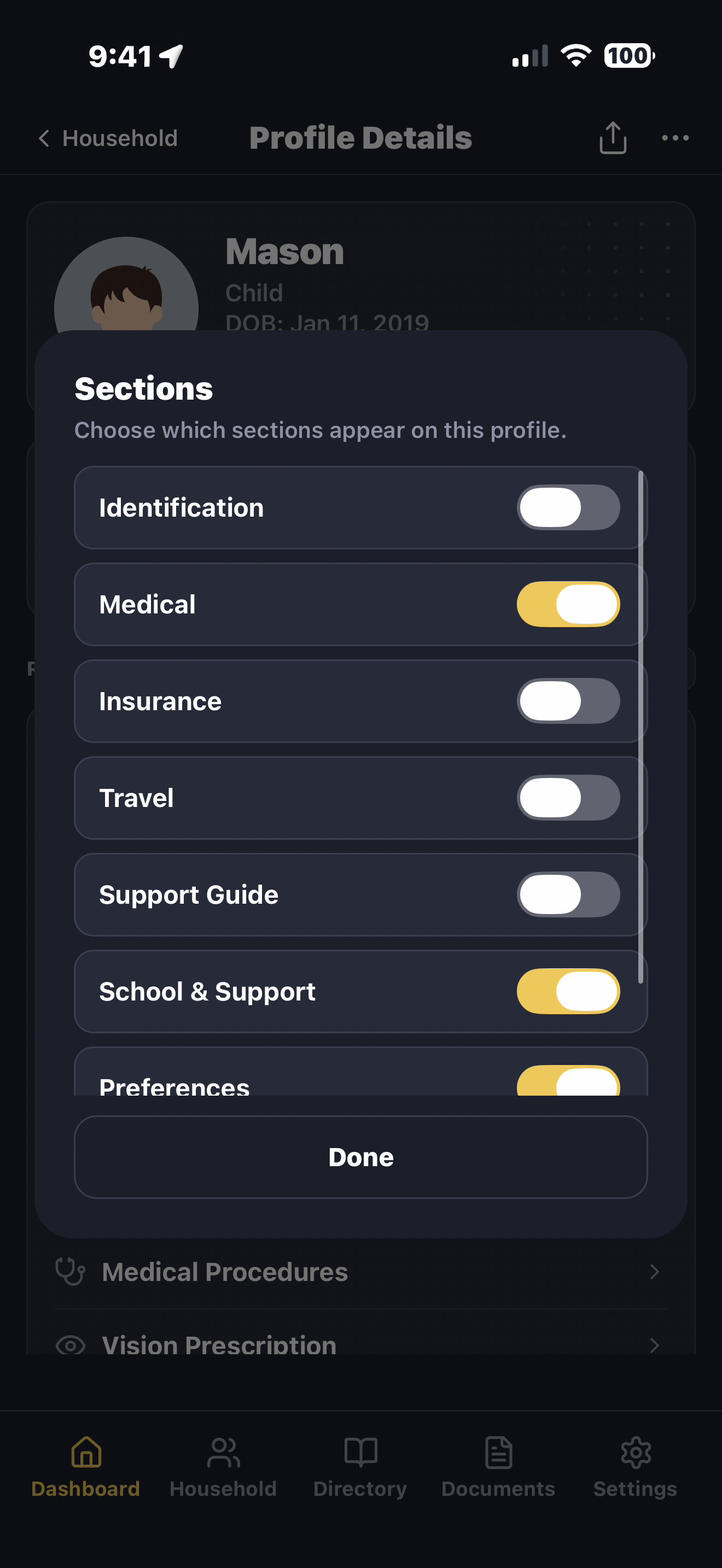
app on your phone: text, email, AirDrop. Choose which sections to
include so you share only what's relevant.
What if I lose my phone?
LifeVault backs itself up automatically. Your vault is encrypted
on your phone and the encrypted copy is saved to cloud storage you
already own — your iCloud on iPhone, your Google Drive on Android
— never to our servers. App Lock keeps the app shut behind Face
ID, Touch ID, or your passcode on iPhone, and your fingerprint,
face unlock, or screen lock on Android, so even if someone has
your phone, they can't open it.
These backups are separate from your phone's own device backup, so
you never have to restore a whole phone to get LifeVault back.
Install LifeVault on a new phone, sign in to the same Apple ID or
connect the same Google account, and it can find your backups and
offer to bring everything back. You can also create your own
encrypted Backup File and keep it wherever you like.
Does LifeVault work without internet?
Yes. Everything works offline — including document scanning and
extraction. LifeVault is built for the moments when you need
information fast: an ER visit, a school emergency, handing a
sitter what they need. No signal required.
Can I share with my spouse or co-parent?
Yes — by sharing the records, not the vault. Generate a profile or
household summary and AirDrop, email, or text it to your
co-parent, and they get a clean PDF they can read, save, or print.
LifeVault does not sync between devices, and that is a deliberate
privacy and product decision. Your vault lives on your device,
there is no LifeVault account, and there is no shared server-side
copy keeping two phones continuously in sync — which is exactly
what keeps your family’s records out of anyone else’s
hands. To put your information on a second device, export an
encrypted Backup File and restore it there.
When does Android launch?
Later this year. LifeVault is now live on the App Store for
iPhone. We're focused on getting the core family
organization experience right before going cross-platform. If you
want to be notified when Android opens up, drop your email in the
form below.
Can I see how someone's medications or care changed over time?
Yes — each profile has a timeline you build. Turn on
“Add to timeline” for any record — medications,
procedures, diagnoses — and add custom events like a hospital stay,
a fall, or a cognitive change. When you renew or replace a record,
the previous version is saved to your Archives, so you can see what
changed and when.
Will LifeVault remind me before an ID, insurance card, or
prescription expires?
Yes — anything with a renewal or expiration date can remind you
before it lapses, so you can renew in time instead of scrambling.
When you renew or replace a document, the new version becomes
current and the old one is saved to your Archives — never deleted.
How are documents and contacts connected to a medication or
procedure?
As you build records, LifeVault links them. A medication connects
to the condition it treats, the doctor who prescribed it, the
pharmacy, and the scanned label. A procedure connects to the
surgeon, the facility, and the discharge paperwork. So when someone
asks “what is this for, and who prescribed it?” — the
answer is already there.
Will LifeVault cost money?
LifeVault is free to download and use today. Down the line, higher
limits — like more documents or more family members — may move to a
paid plan. But your data is always yours: you'll never lose access
to records you've already created, even on the free plan. We'll
never sell your data or run ads.
What happens to my data if LifeVault shuts down?
Your data is yours, on your device. If LifeVault were
discontinued, the app would continue working as installed. We
recommend keeping a current Backup File and PDF exports of
important records for long-term portability.